
FRONTIER AI VECTORIZER
Make images into vectors.
Turn images into clean SVGs. Advanced AI tracing for logos, print, cutting and design.
or try by clicking an image
Vectorize and inspect protected previews for free, with no usage limit.
1 credit unlocks a finished result. Repeat downloads are free.
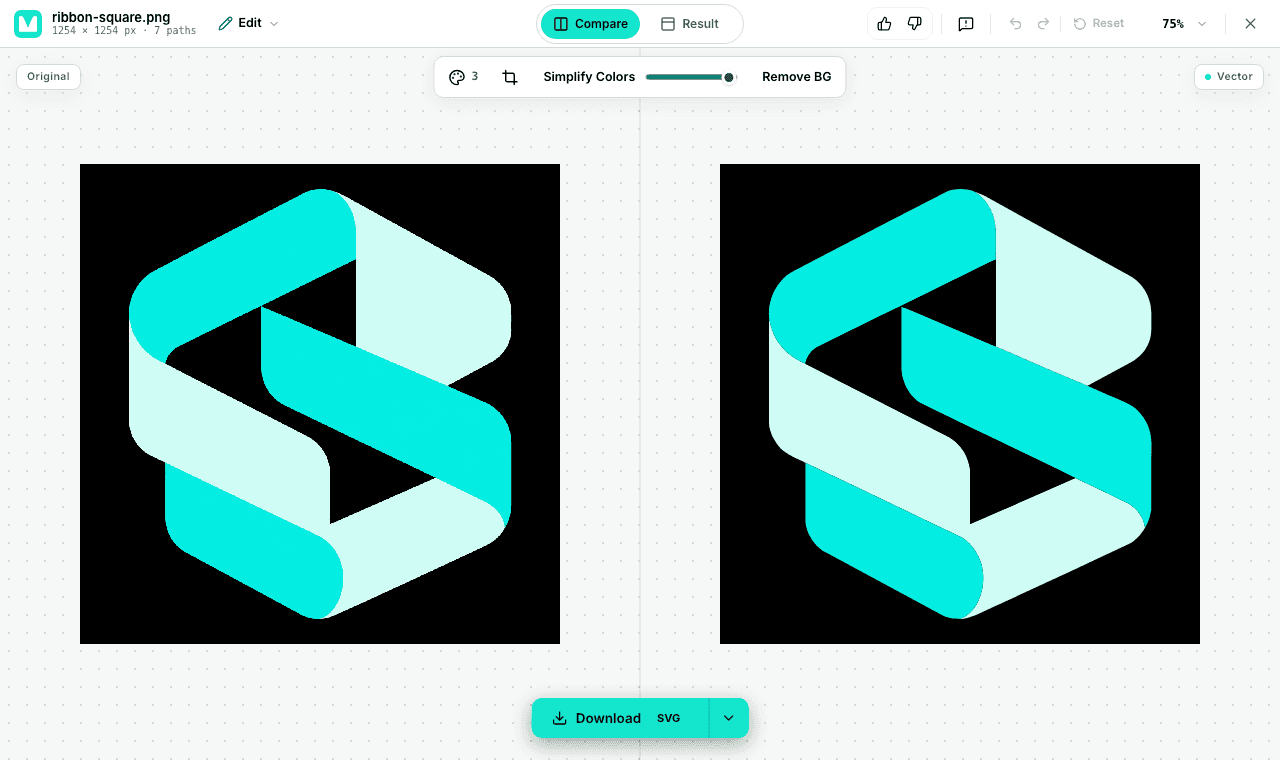
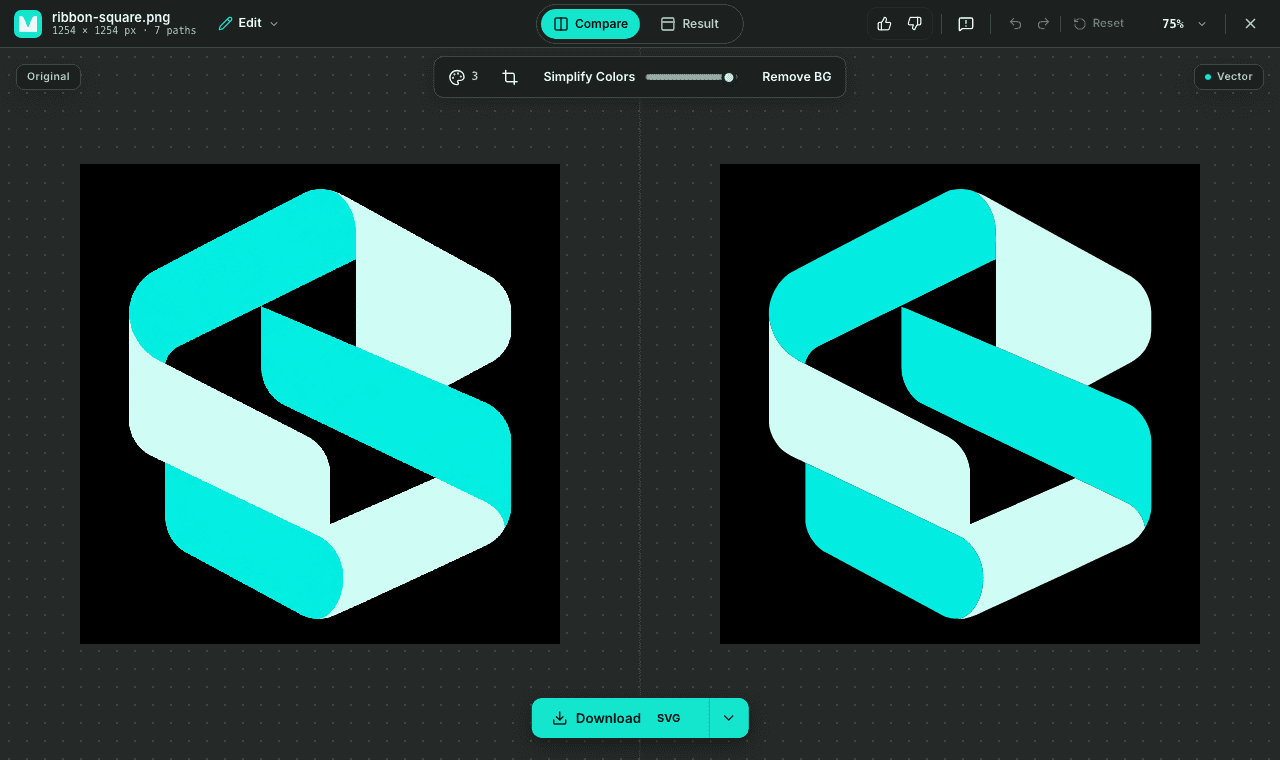
MADE OF PATHS
Keep creating. At any scale.
Hover the artwork to compare a lower-res raster with the saved SVG. Inspect the shapes and colors in the file.
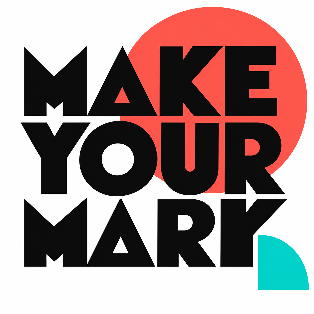
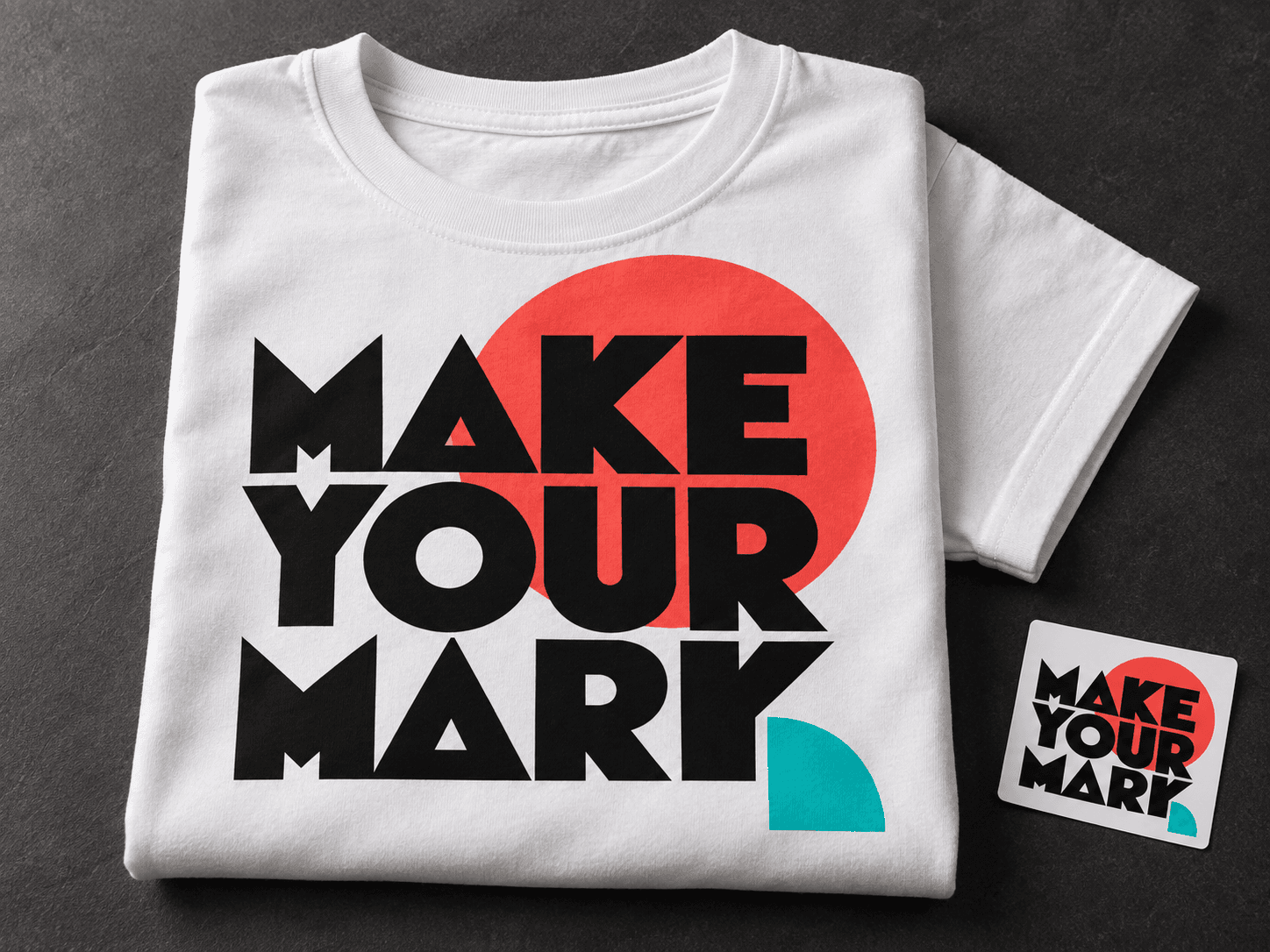
Make your mark: 19 Paths, 4 Fill colors.

THE MODEL WE BUILT
Pixels in. Editable paths out.
Make your mark
- Paths
- 19
- Fill colors
- 4
The colors in this SVG
- #FEFEFE
- #FE564B
- #0B0B0B
- #00D1C8
Prepared synthetic artwork converted with PerfectVector. These are saved results, not live conversions. Counts include the background. Paths are shapes, not live text or original design layers.
From your image to your next project.
Upload your image
Start with your own artwork, or choose a sample above.
Preview and refine
Vectorize and inspect protected previews for free, with no usage limit.
Unlock your download
1 credit unlocks a finished result. Repeat downloads are free.
BUILT BY AI RESEARCHERS
An in-house AI model that turns pixels into editable vectors.
PerfectVector AI Lab
The research team continuously advancing PerfectVector's in-house vectorization engine
PerfectVector is developed in-house by Rastrix Inc. Its researchers bring 10+ years of combined research and industry experience in deep learning and computer vision.
Our researchers hold every vector to a high standard. They design new methods, review results, and continuously improve how PerfectVector reconstructs shapes, edges, colors, and fine detail.
Try your own image- AI research
- deep learning and computer vision
- 10+ years
- research and industry experience
- In-house
- core vectorization models and algorithms
- Quality-first
- continuous model and engine improvement
MADE FOR CREATORS
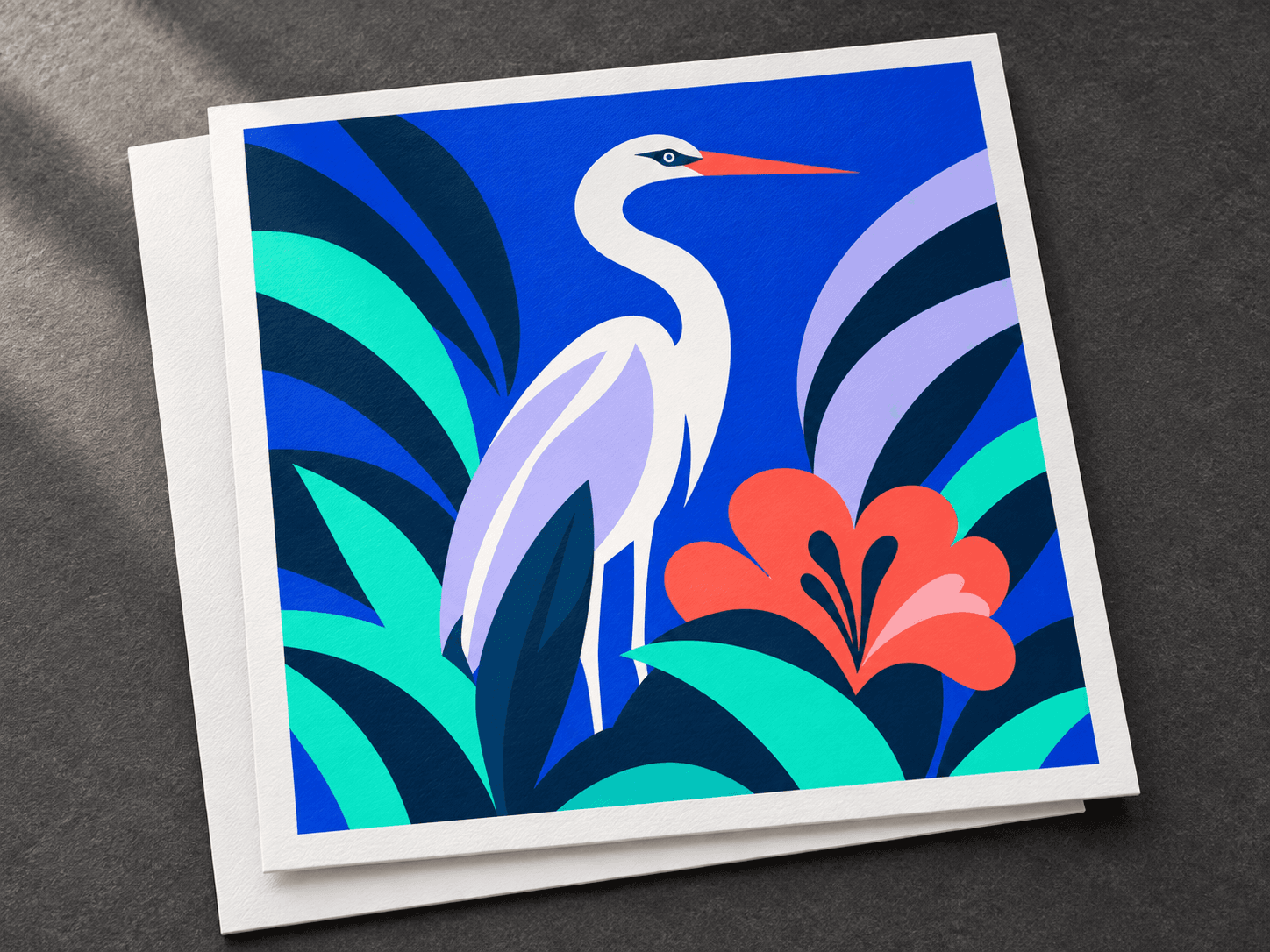
There’s a path for what you make.
Pick the guide tuned to how you work, or just drop an image above and start.
FREQUENTLY ASKED QUESTIONS
Questions before you convert?
Will it work on your image?
Clear shapes and solid colors are a good starting point. Results depend on the source image.
Good starting points
- Logos and wordmarks
- Flat illustrations and mascots
- Stickers, decals, and cut files
- Line art and silhouettes
Check the preview carefully
- Photographs
- Photoreal or gradient-heavy AI art
- Very low-res or blurry sources
- Fine textures: fur, film grain, watercolor washes
We trace what's in your pixels. We don't invent detail that isn't there, and text comes back as letter-shaped paths, not editable fonts.
What image formats does it support?
PerfectVector supports PNG, APNG, JPEG, WebP, GIF, BMP, AVIF, HEIC/HEIF, TIFF, SVG, SVGZ, ICO, ICNS, PSD/PSB, and PDF files. Compatible files are prepared automatically in your browser.
What's the maximum file size I can upload?
PerfectVector prepares the image in your browser. The prepared upload must fit within a 5 MiB processing budget. If resizing or compression could affect quality, you review the change before it continues.
Can I use the vectors commercially?
Yes — all vectors generated through our service are yours to use, including for commercial work. You're responsible for having the rights to the original image you upload.
Do you store my uploaded images?
Your image is removed from your account when vectorization finishes. We may temporarily retain the uploaded image and related files to debug failed or low-quality vectorizations, conduct internal quality reviews, and respond to abuse or content-takedown requests. We never use your files for model training, sell them, or share them with third parties for their own purposes.